AI Voice Agent
Give callers a natural conversation about your services, capture job details and bring the follow-up back to your team.
Explore ai voice agentBuild a quote, get it signed and keep booking, rescheduling and customer follow-up close to the project.
14-day free trial. No credit card required to start.
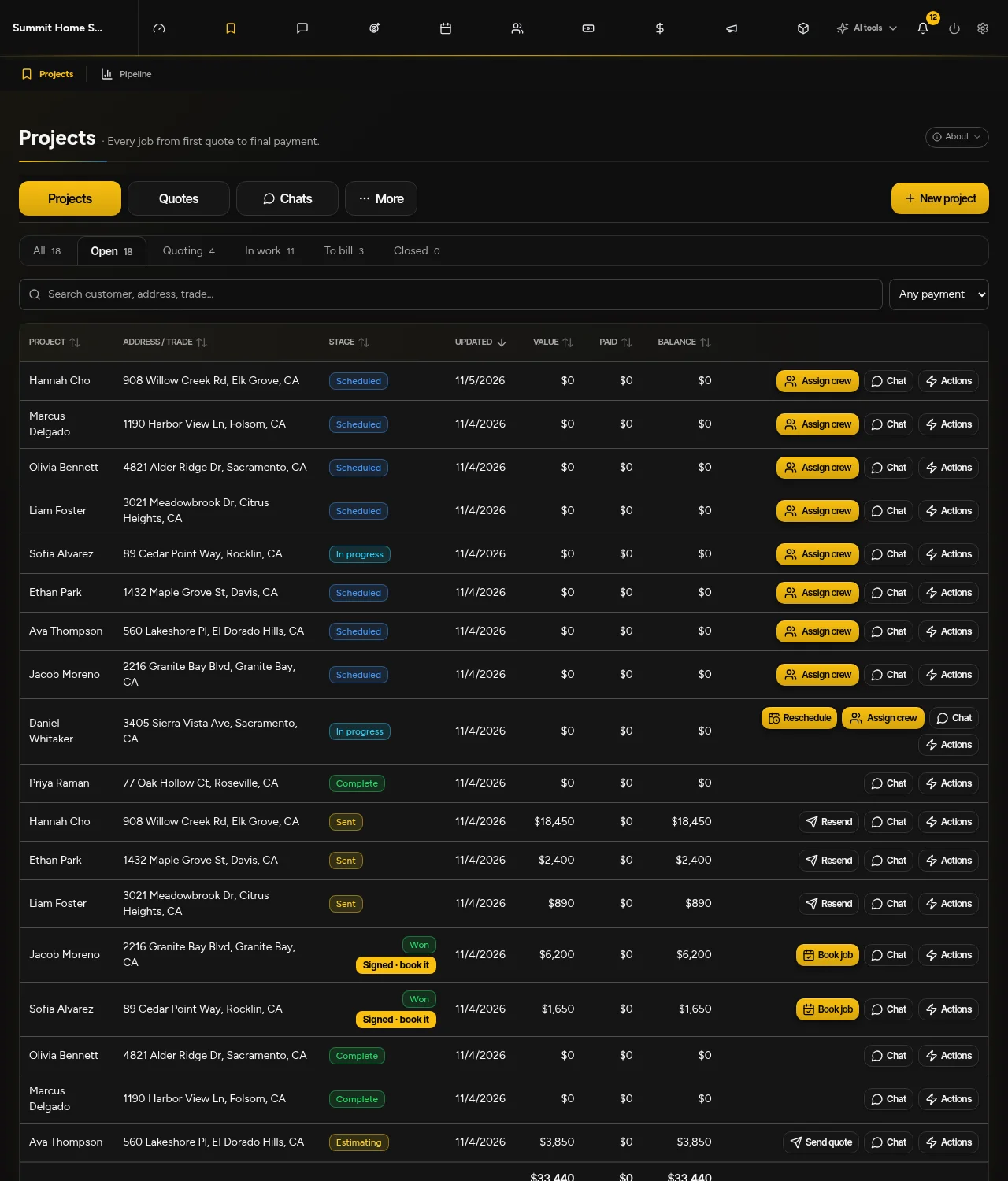
Keep sales and delivery context in one place.
See signature and scheduling status alongside the work.
Access resend and customer communication controls.
Use your price book or an Opti-assisted draft.
Check terms and share the customer-ready estimate.
Use available booking and reschedule controls after reviewing the job.
A signature does not itself collect a payment or guarantee a booking. Moving quotes and BOLs retain their separate regulated workflow.
See plans and allowancesA takeoff counts the work. A cost estimate applies labor, materials and other costs. A customer proposal adds the agreed scope, price and terms. Review each stage instead of treating them as interchangeable.
An illustrative room has 120 sq ft of reviewed floor area.
Confirm dimensions, deductions and substrate condition.
Apply your selected material rate and reviewed labor allowance.
Include actual supplier costs, access and disposal as applicable.
Set inclusions, exclusions, price, tax treatment and schedule assumptions.
Get appropriate approval before doing changed work.
Review signature status, book the work and request a configured payment separately.
Accepted is not the same as scheduled or paid.
Build a quote, get it signed and keep booking, rescheduling and customer follow-up close to the project.
A signature does not itself collect a payment or guarantee a booking. Moving quotes and BOLs retain their separate regulated workflow.
14-day free trial. No credit card required to start. Choose a plan and enter payment details to continue. No automatic charge.
Give callers a natural conversation about your services, capture job details and bring the follow-up back to your team.
Explore ai voice agentTurn photos, video or a job description into an editable estimate, then check the scope and pricing before you send it.
Explore visual quotingKeep leads, customer details, communications, quotes and projects connected so the next conversation starts informed.
Explore customer crm14-day free trial. No credit card required to start.