Compare the tools each product describes for your work. Feature availability, usage and optional services matter more than a simple checkmark.
Construction estimate
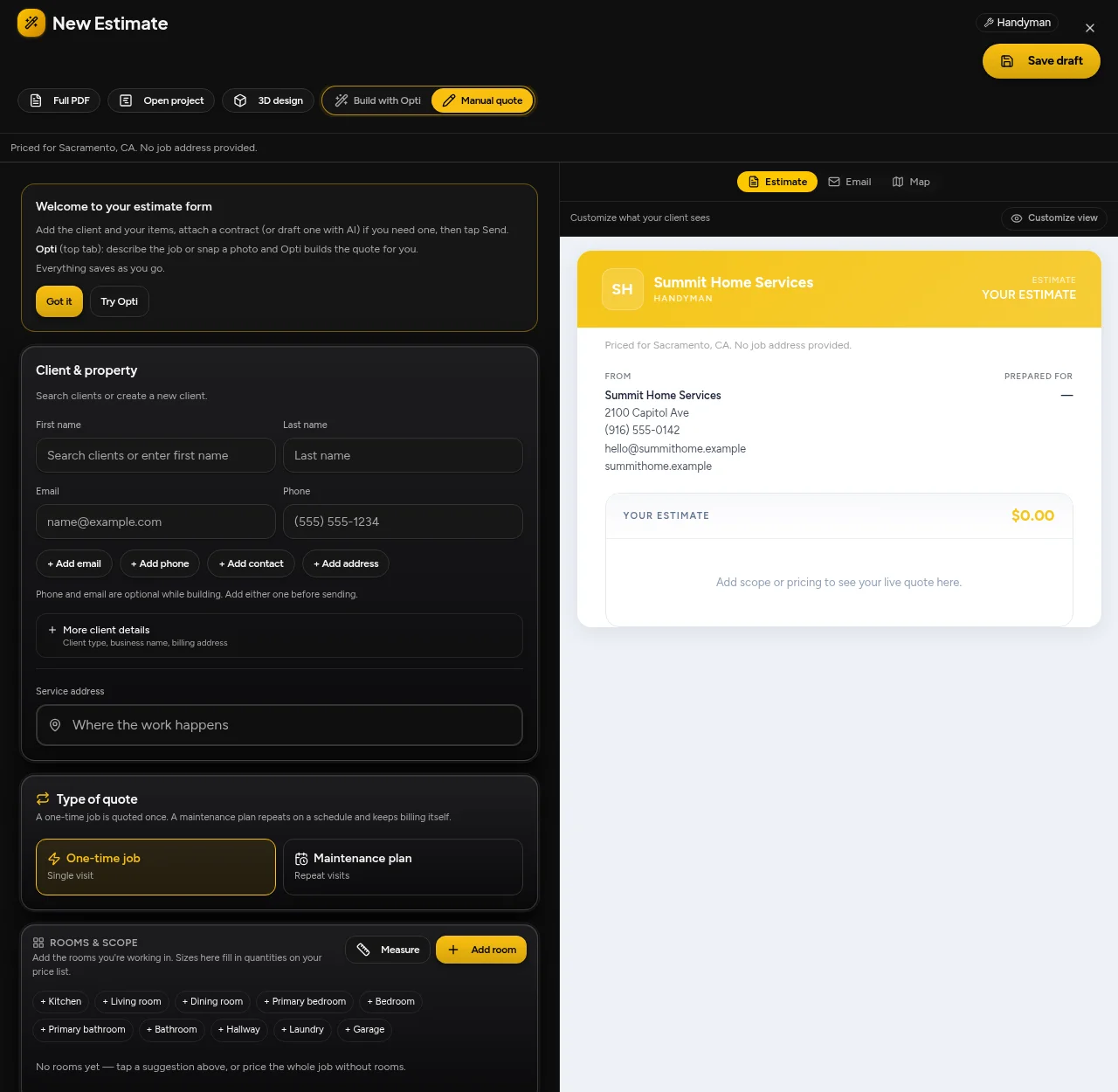
OptimizeItEditable scope and line items with operator-reviewed quantities and pricing.
BuildertrendEstimates organize material, labor, equipment and subcontractor costs, with cost catalogs and markup/margin controls.
Estimate to financials
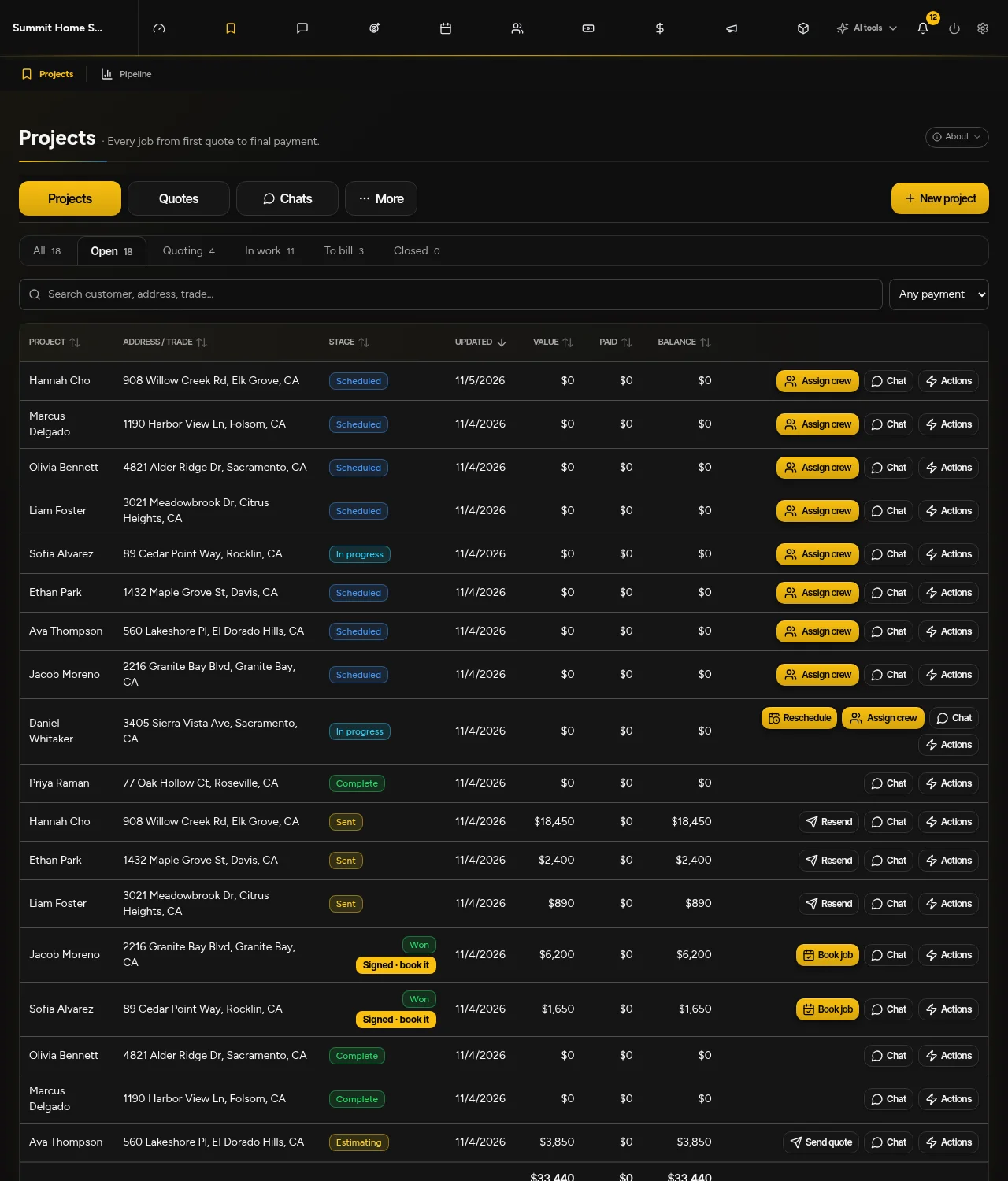
OptimizeItEstimates, project cost records, invoices and balances; test the financial reports your operation needs.
BuildertrendEstimates connect to proposals, budgets and invoices, with job-cost tracking against the estimate.
Project schedule
OptimizeItConnected scope-based project scheduling; validate saved scope and timing before committing.
BuildertrendConstruction scheduling with dependencies and stakeholder updates; verify required tools in your proposal.
Team & rollout
OptimizeItUse sample projects and role-specific access before migrating customer records.
BuildertrendPublic pricing describes tailored quotes and unlimited users/projects; confirm implementation and required integrations.
Team & billing
OptimizeItStarter: one user. Core, Plus and Pro: unlimited users. Software access and usage allowances are listed separately.
BuildertrendCheck Buildertrend’s selected package, user limits, renewal terms and optional services.
Compare your actual configuration. Confirm Buildertrend’s current package, users, usage, integrations and optional services directly. Promotions, renewal prices and add-ons can change.
Check the official sources below.