Identify the project’s permit route
Capture repair versus replacement, the work address, drawings and the owner’s existing permit references. Use LADBS to verify the applicable plan-check path before scheduling inspections.
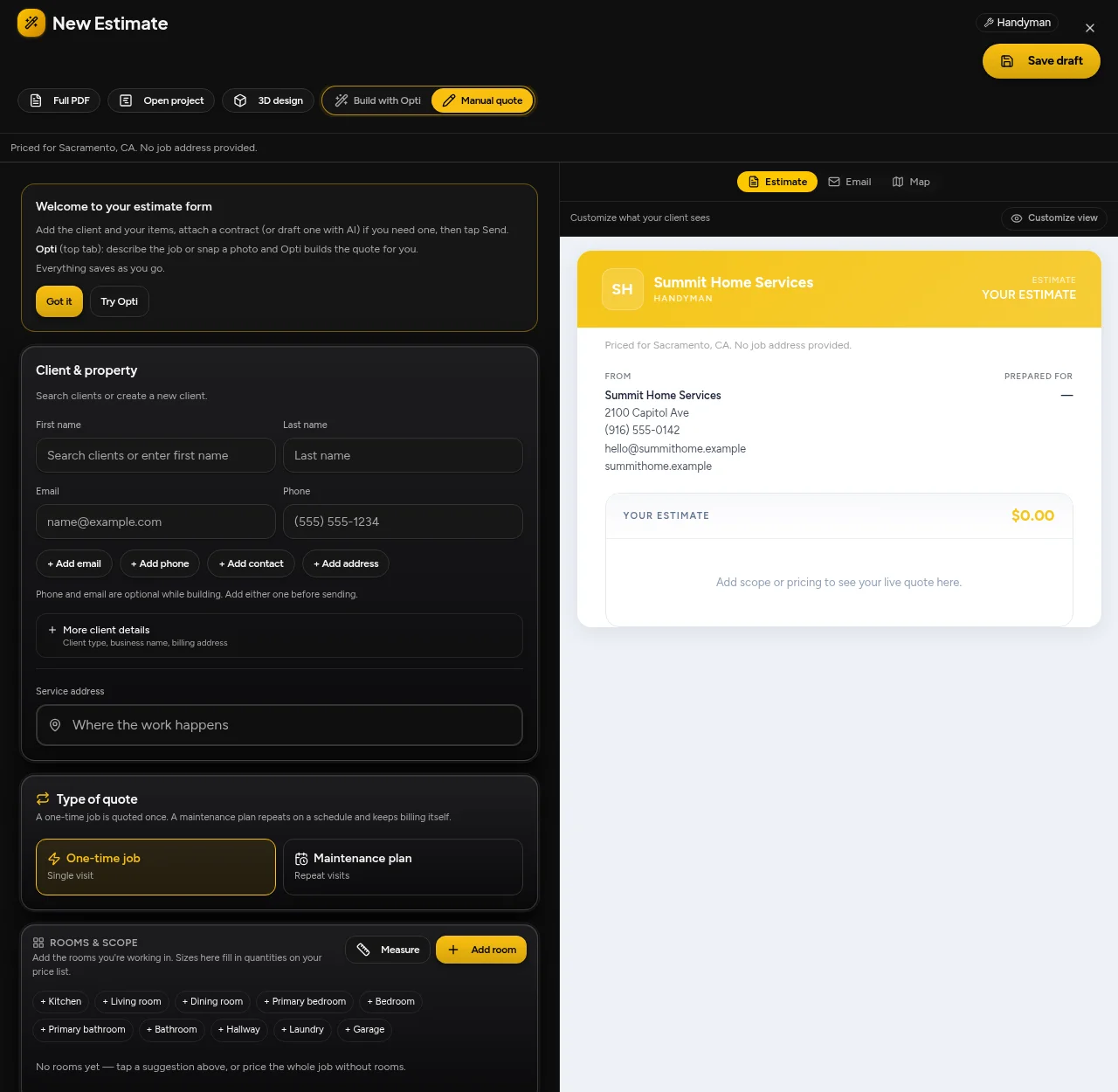
Keep customer intake, reviewed estimates, scheduling and payments connected. Plan junk removal & hauling work in Los Angeles around the actual address, scope and access requirements.
14-day free trial. No credit card required to start.
Los Angeles Building and Safety publishes plan-check and permit routes. LA Sanitation publishes a permitted waste-hauler list. Construction approvals and waste-hauler eligibility are separate checks, not one automatic software decision.
Capture repair versus replacement, the work address, drawings and the owner’s existing permit references. Use LADBS to verify the applicable plan-check path before scheduling inspections.
Identify construction debris, reusable items and other waste before quoting removal. Check the current city hauler list and the receiving facility’s acceptance rules; keep disposal arrangements separate from labor scope.
Confirm which addresses your business accepts. Nearby places can have different permit authorities, travel assumptions and disposal options; a city label is not a jurisdiction check.
Downtown LA · West LA · Santa Monica · Pasadena · Long Beach · The Valley
Collect item photos, approximate volume, access constraints and material categories. Confirm prohibited items and facility acceptance rather than treating every load alike.
Review truck capacity, loading access, the disposal destination and job order. Confirm assignments before changing the booked schedule.
Keep removal photos and disposal documentation with the project. Review the invoice and any received deposit before collecting the balance.
These resources describe local processes, not a guarantee that a rule applies to your job. Confirm the address, work type, current requirements and exceptions with the relevant authority before scheduling or quoting.
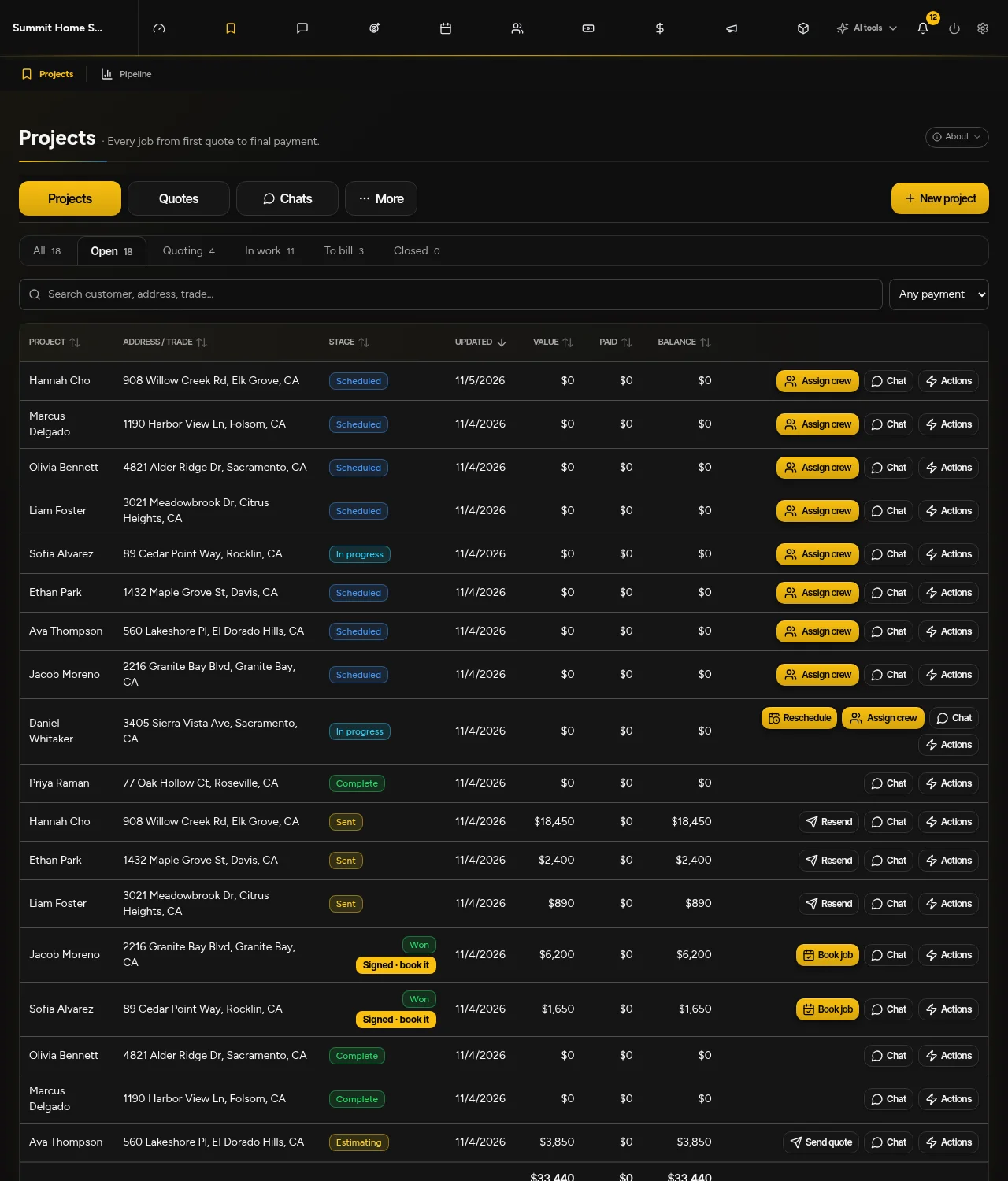
Use customer intake, editable estimates and project booking in the same workspace. Review AI-derived scope and prices before sending; a signature does not itself book or pay for the work.
No. OptimizeIt is business software, not a local contractor, mover or hauling company. Your business chooses its own service area, prices and crew assignments.
No. Confirm requirements for the specific address and scope with the relevant authority. Local resources here support planning; they do not replace permit review or professional advice.
No. Review quantities, scope, travel assumptions and your saved prices. Available AI, phone and automation tools depend on your plan, setup and chosen settings.
14-day free trial. No credit card required to start.
14-day free trial. No credit card required to start.