Choose the right submission category
Capture the work type and existing permit references. Check the Permit Center’s current submission route, then record the owner or contractor responsible for the application.
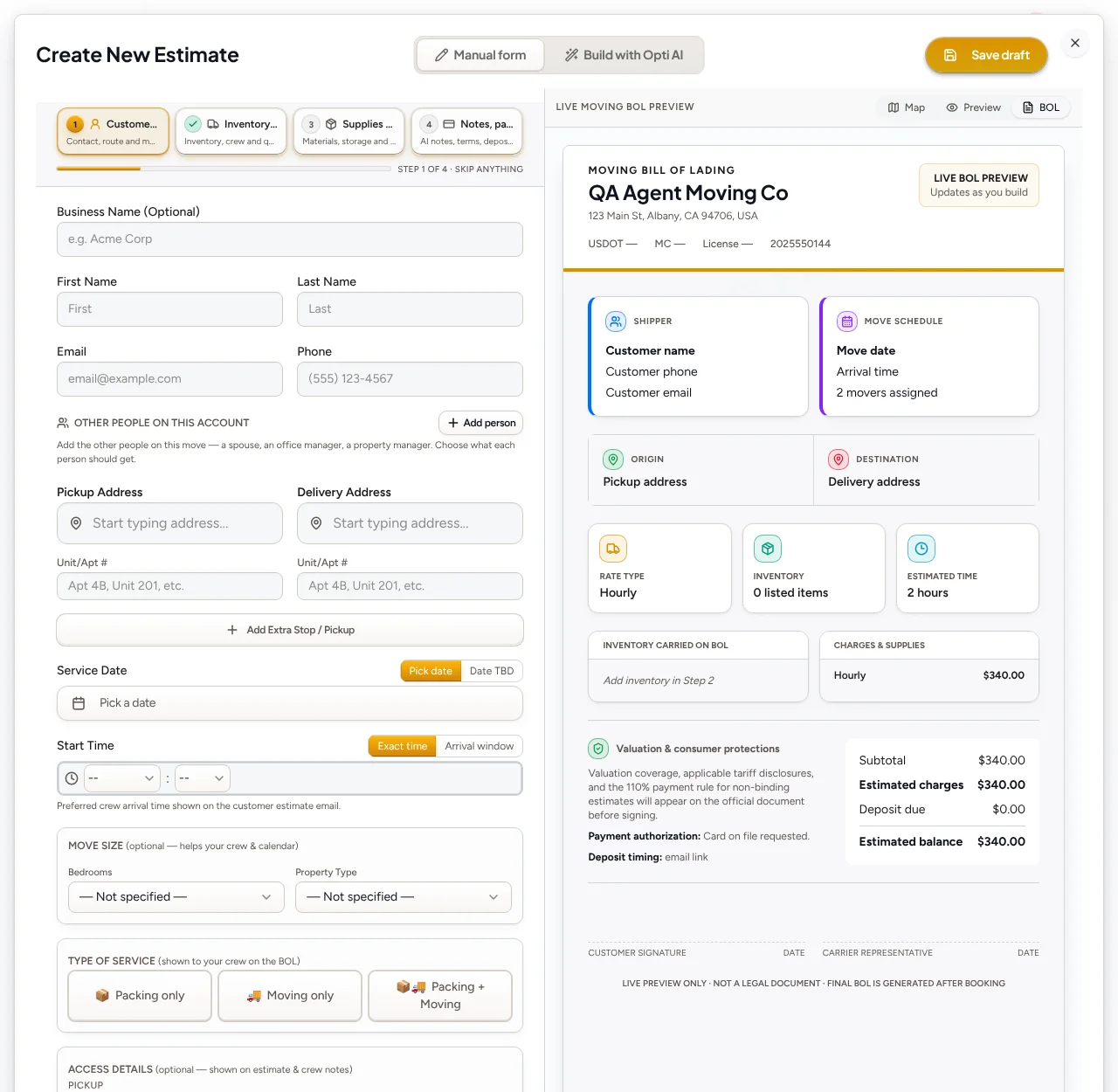
Keep customer intake, reviewed estimates, scheduling and payments connected. Plan local moving company work in Charleston around the actual address, scope and access requirements.
14-day free trial. No credit card required to start.
Charleston’s Permit Center lists online submission options for alterations, roofing, plumbing, fuel gas and demolition. The city also administers preservation functions. Review depends on the project and location, not simply a Charleston address.
Capture the work type and existing permit references. Check the Permit Center’s current submission route, then record the owner or contractor responsible for the application.
For work that may affect a protected property, confirm whether preservation review applies. Ask separately about customer access, loading arrangements and authorized work times before booking.
Confirm which addresses your business accepts. Nearby places can have different permit authorities, travel assumptions and disposal options; a city label is not a jurisdiction check.
Downtown · West Ashley · James Island
Collect both addresses, stairs, elevators, loading arrangements and items needing special handling. Confirm building access with the customer.
Review the inventory, selected crew rate, dates and travel assumptions. Keep applicable moving paperwork separate from city construction permits.
Review the saved quote and BOL totals, deposits and outstanding amount. Recording payment does not itself complete the project.
These resources describe local processes, not a guarantee that a rule applies to your job. Confirm the address, work type, current requirements and exceptions with the relevant authority before scheduling or quoting.
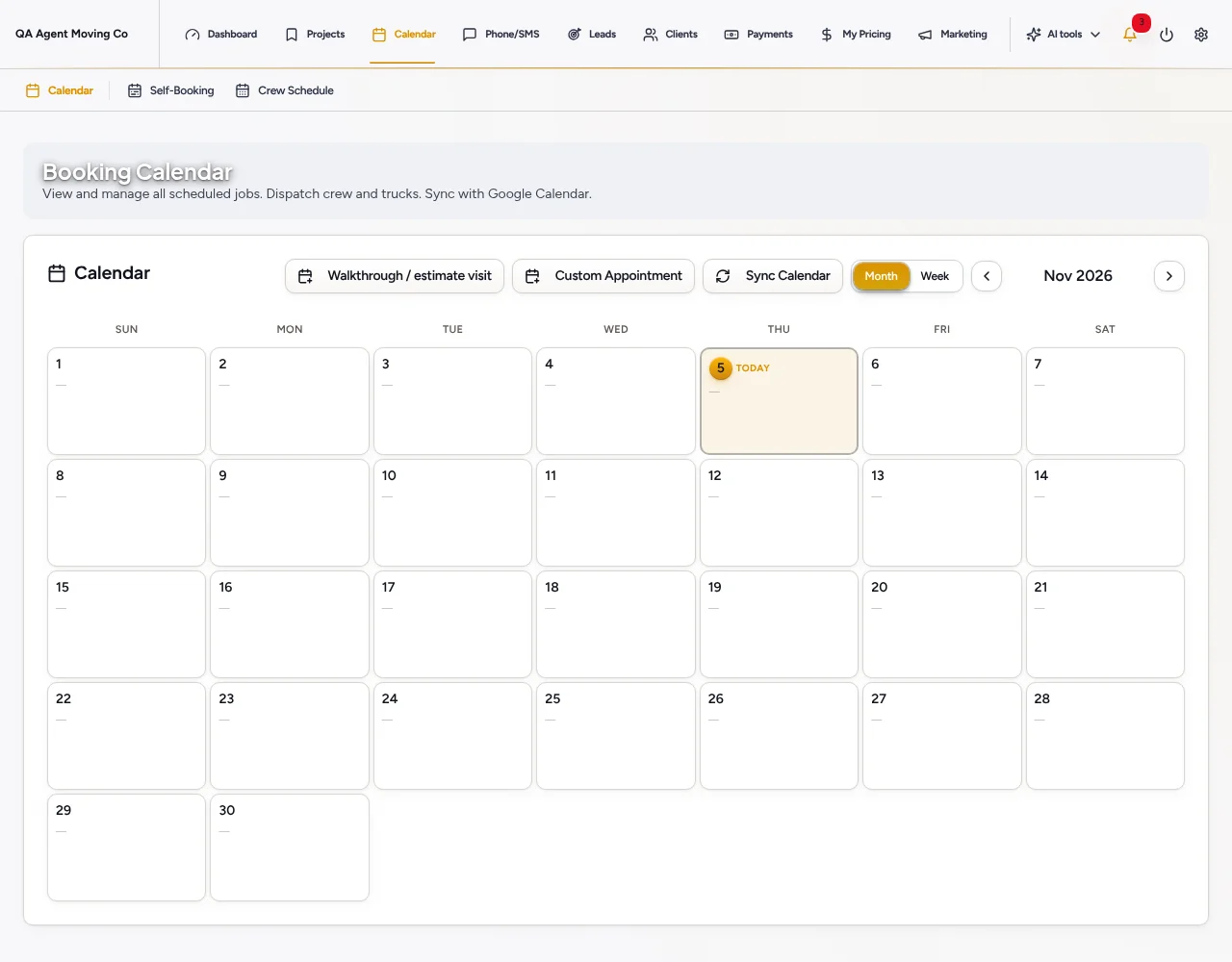
Use Moving’s survey, quote, crew calendar and BOL workflow. Confirm inventory, selected rates, dates and saved totals before sending or collecting.
No. OptimizeIt is business software, not a local contractor, mover or hauling company. Your business chooses its own service area, prices and crew assignments.
No. Confirm requirements for the specific address and scope with the relevant authority. Local resources here support planning; they do not replace permit review or professional advice.
No. Review quantities, scope, travel assumptions and your saved prices. Available AI, phone and automation tools depend on your plan, setup and chosen settings.
14-day free trial. No credit card required to start.
14-day free trial. No credit card required to start.