Choose SmartMoving if…
- You want its lead, estimate and inventory workflow.
- You rely on its dispatch, storage, payment and reporting tools.
- You need the moving-operation fit described by Smart Growth or Smart Pro.
Compare moving software by your operation—not an interchangeable feature list. Residential estimates and dispatch are different from recurring commercial projects, specialized crews and warehousing.
14-day free trial. No credit card required to start. Choose a plan and enter payment details to continue. No automatic charge.
Compare the tools each product describes for your work. Feature availability, usage and optional services matter more than a simple checkmark.
Actual OptimizeIt demonstration accounts—not mockups or competitor screens.
Check customer details, editable line items and the customer preview in the same estimate workspace.
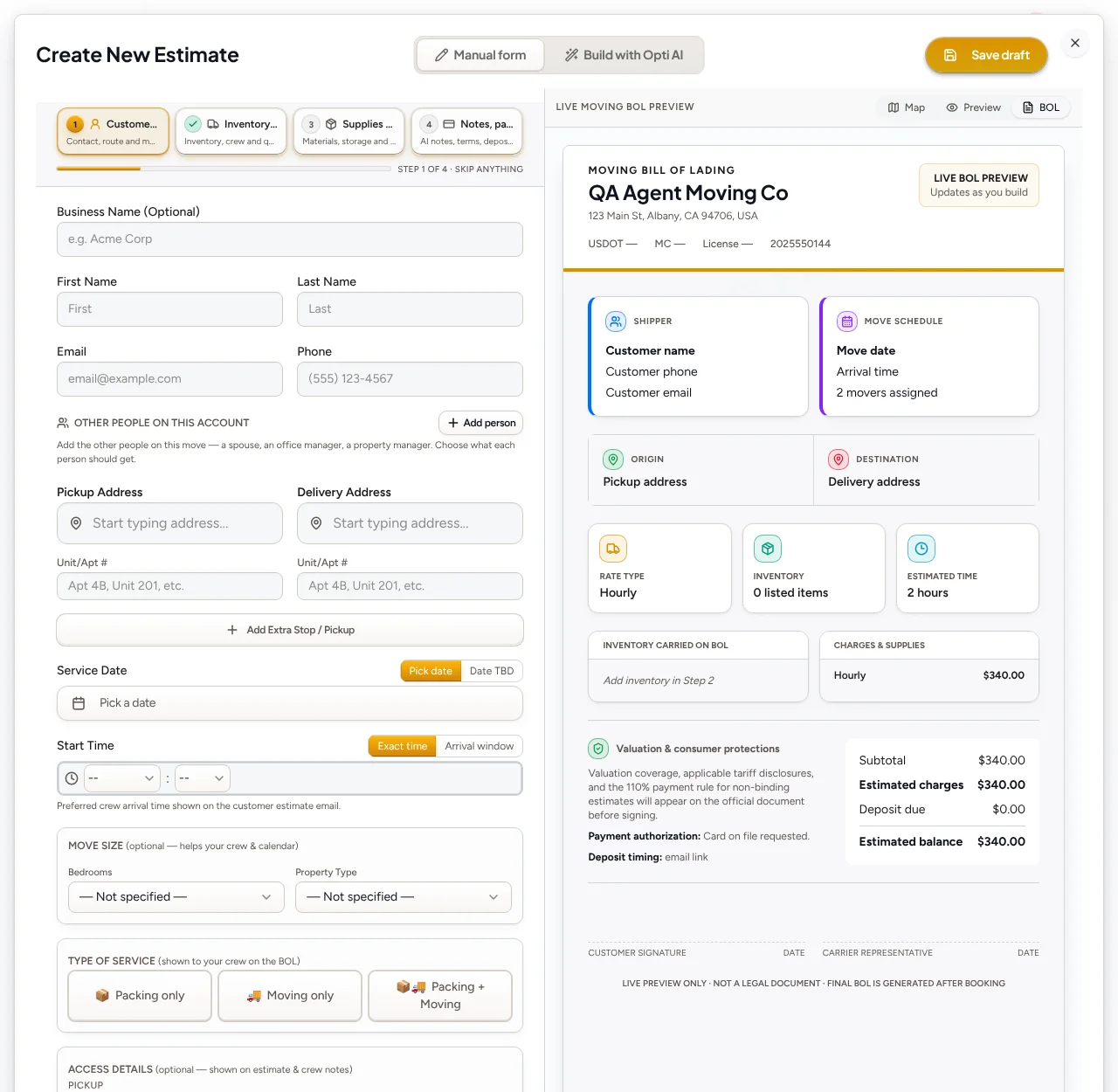
Review the next booking or scheduling action without rebuilding the customer record.
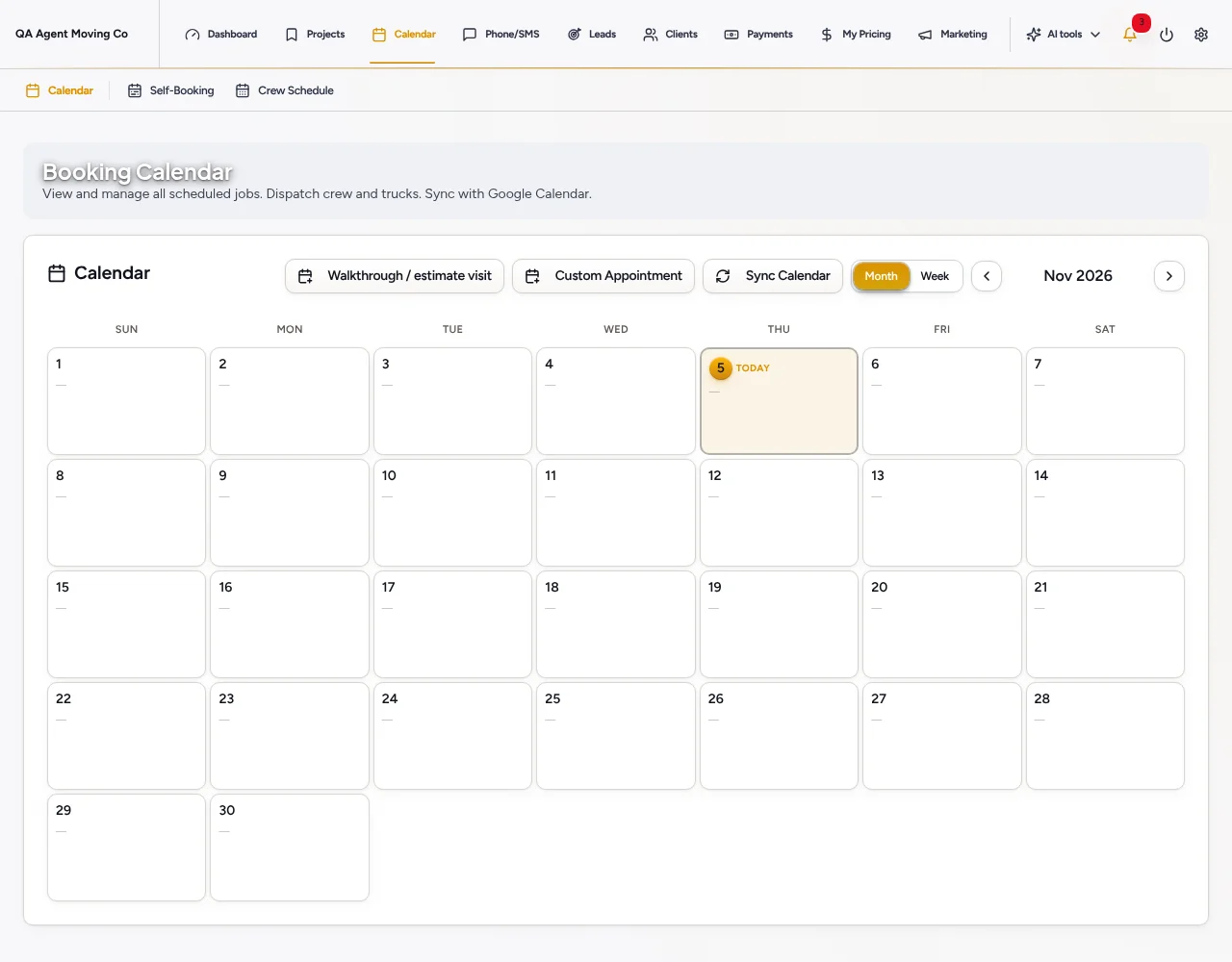
Moving intake and operator-reviewed photo-assisted estimate drafts.
Moving booking calendar, crew assignments and rescheduling.
Lead Desk defaults to Drafts only. Optional instant replies and eligible callbacks require setup, channel permissions and consent.
Use sample work first. Confirm data exports, import scope and required integrations before cancelling your current system. Keep one authoritative customer and project record; automatic synchronization is not assumed.
Its pricing page describes different operation profiles: Smart Growth for residential movers and Smart Pro for repeat customers, multi-job projects, specialized crews and warehousing. Confirm current inclusions and total costs directly; do not assume every feature is in both plans.
Include the software plan, team access, phone answering, usage, add-ons and implementation. Compare renewal terms, not only introductory rates. OptimizeIt AI Voice Agent access is on Pro; agent-minute allowances are separate from ordinary phone minutes.
No automatic transfer is promised. Confirm available exports, required record types and import scope with our team, then review sample records before cancelling your existing system.
14-day free trial. No credit card required to start. Saved work becomes view-only after an unpaid trial expires. Choose a plan and enter payment details to continue. No automatic charge.
Official material reviewed November 5, 2026. We publish this comparison as OptimizeIt, not an independent review site. Exact competitor prices are not quoted because selected team sizes, promotions and add-ons change the total.
OptimizeIt plans and usage allowancesCompare the full moving project: inquiry, inventory, estimate, dispatch, signed paperwork and payment. MoveitPro is moving-focused; evaluate OptimizeIt’s Moving workspace on the same representative project.
Compare MoveitProCompare how the office, dispatcher and crew stay on the same project. Focus on scheduling changes, signed documents, storage and the customer’s next action.
Compare Supermove14-day free trial. No credit card required to start.